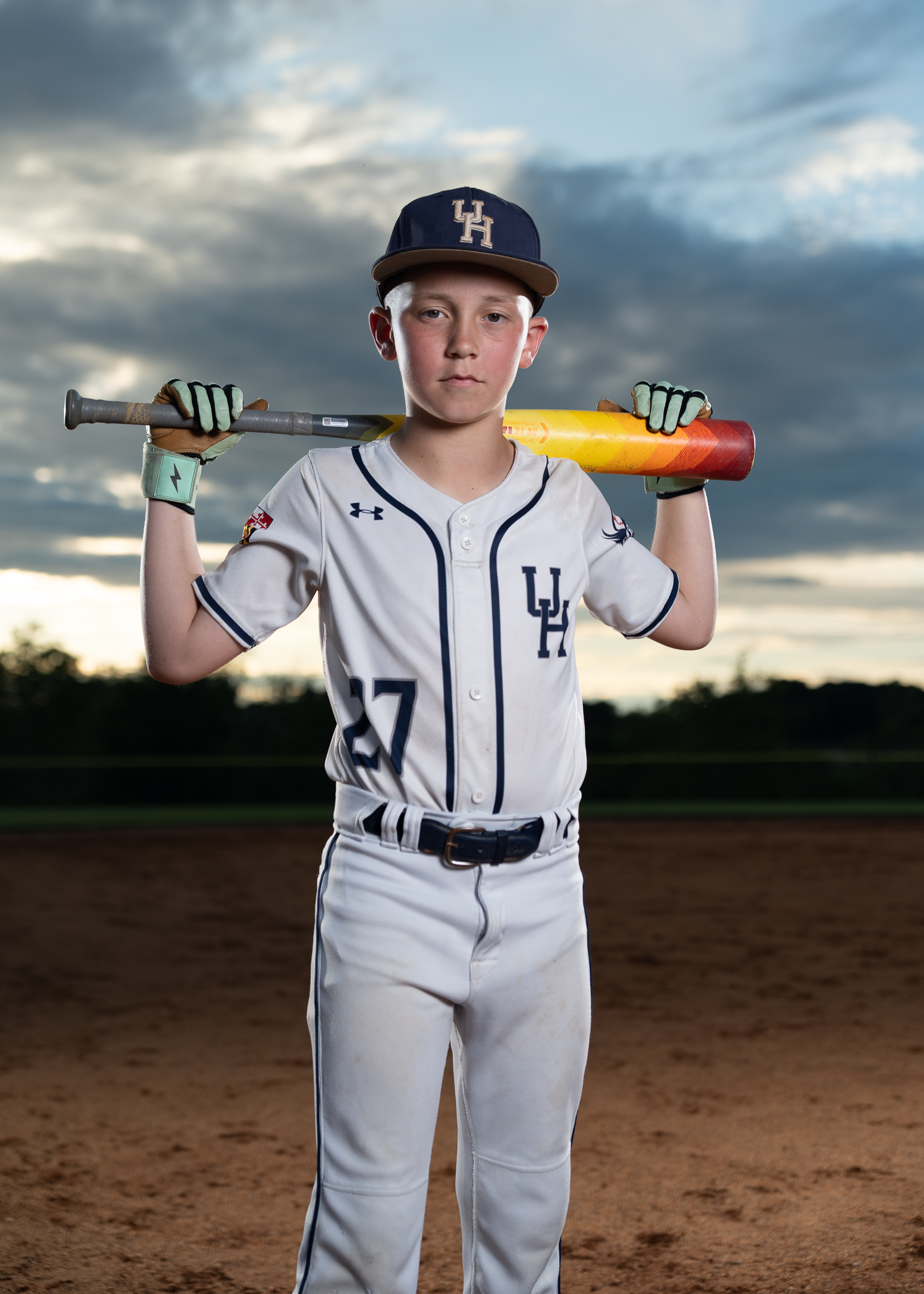
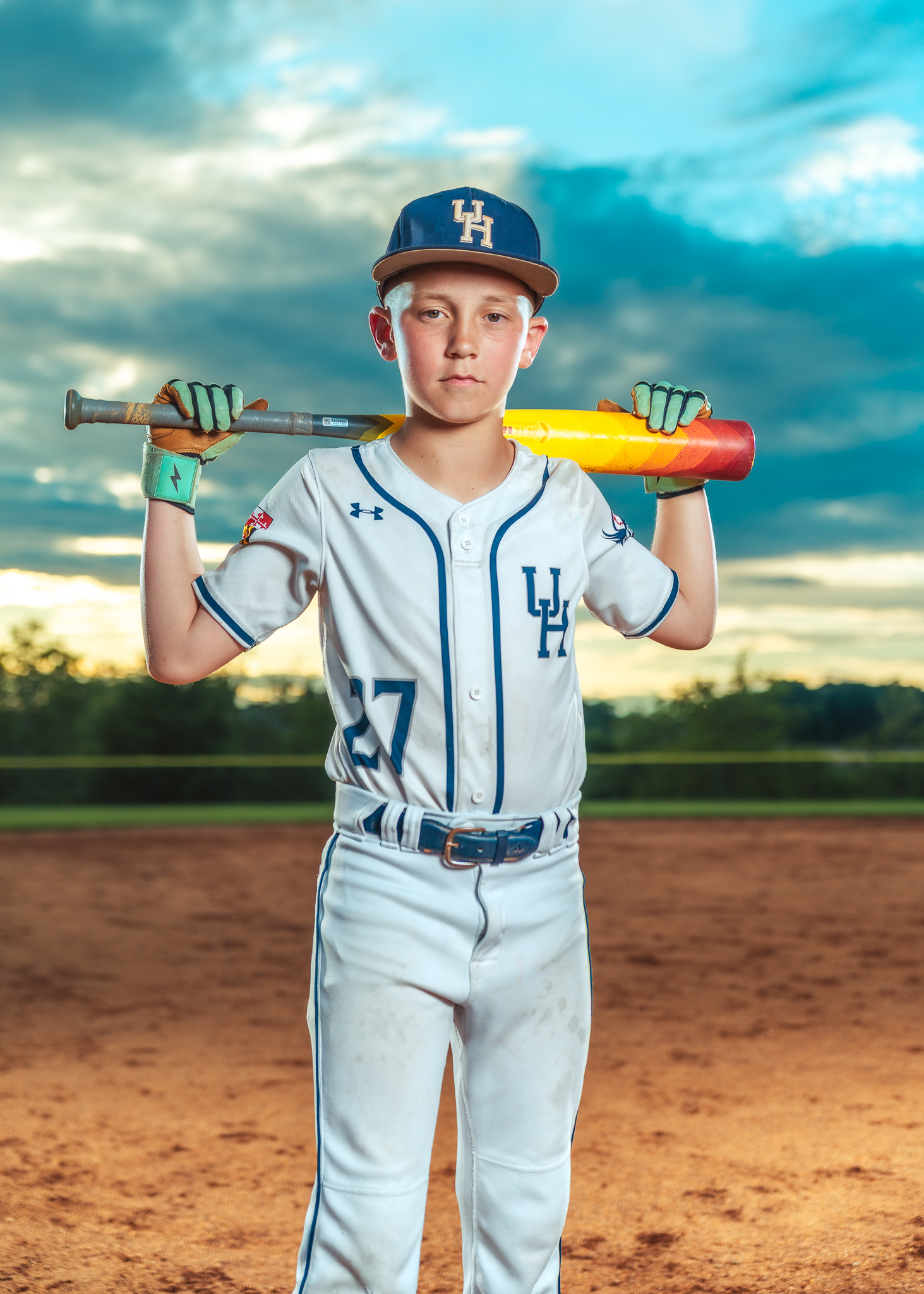
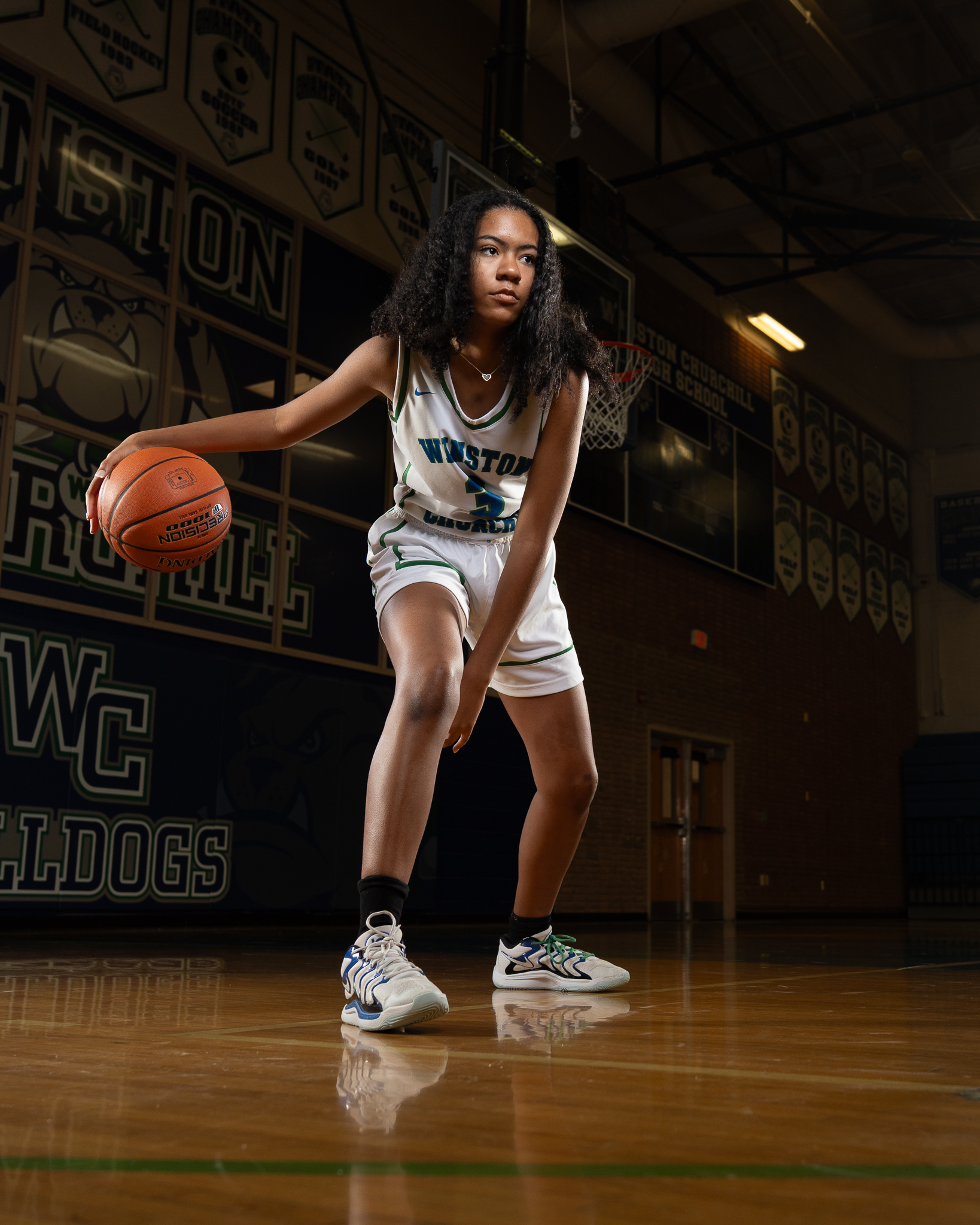
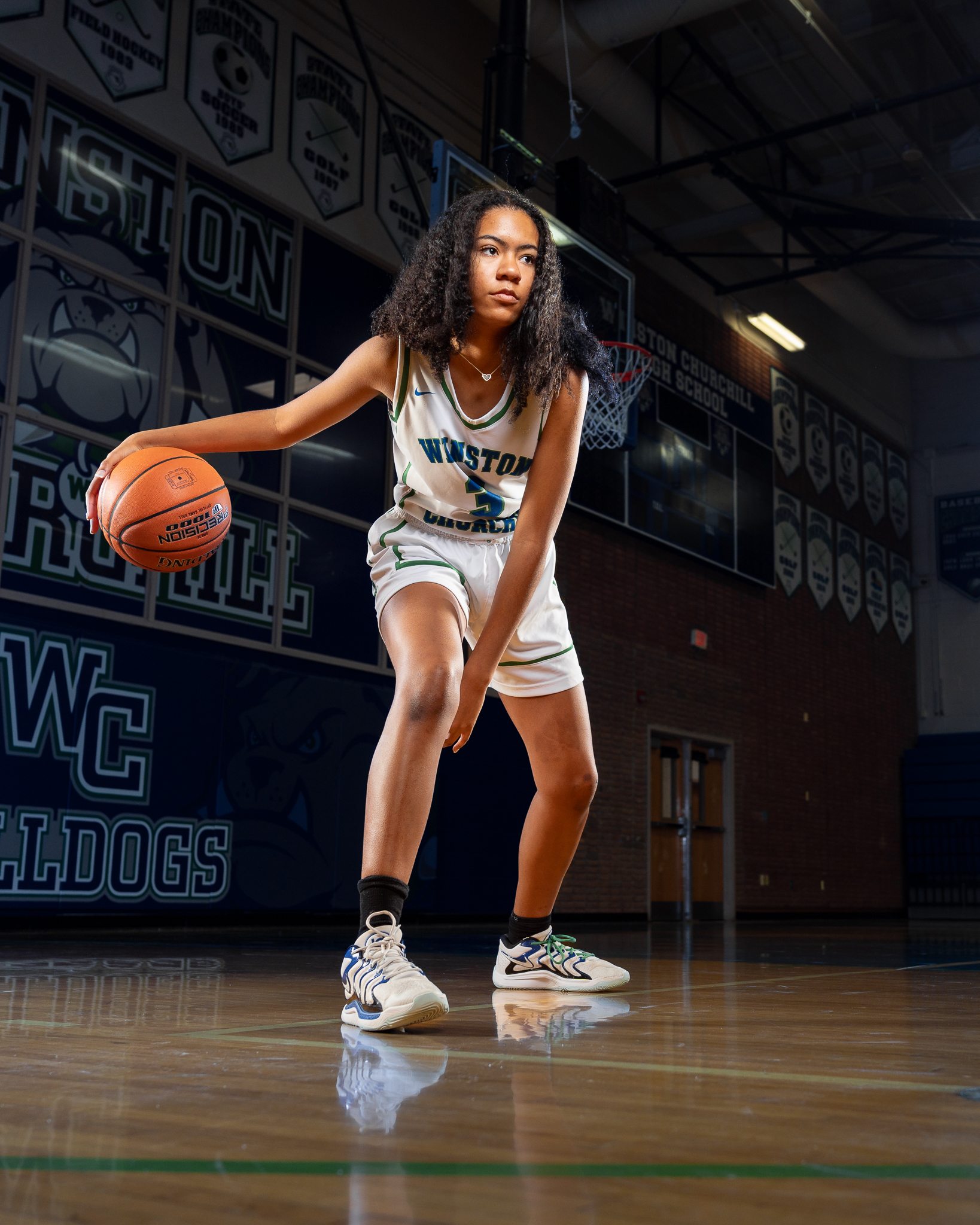
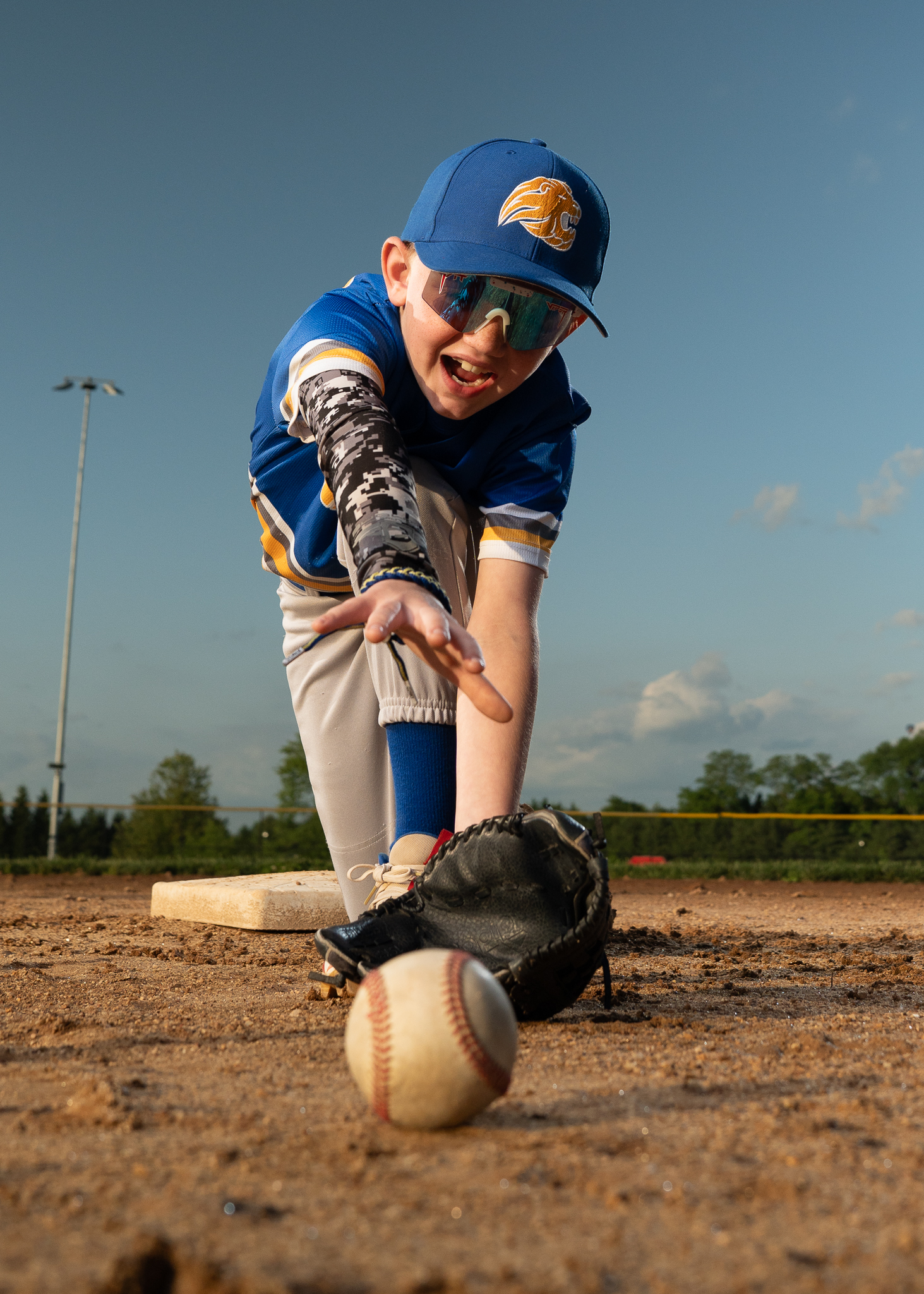
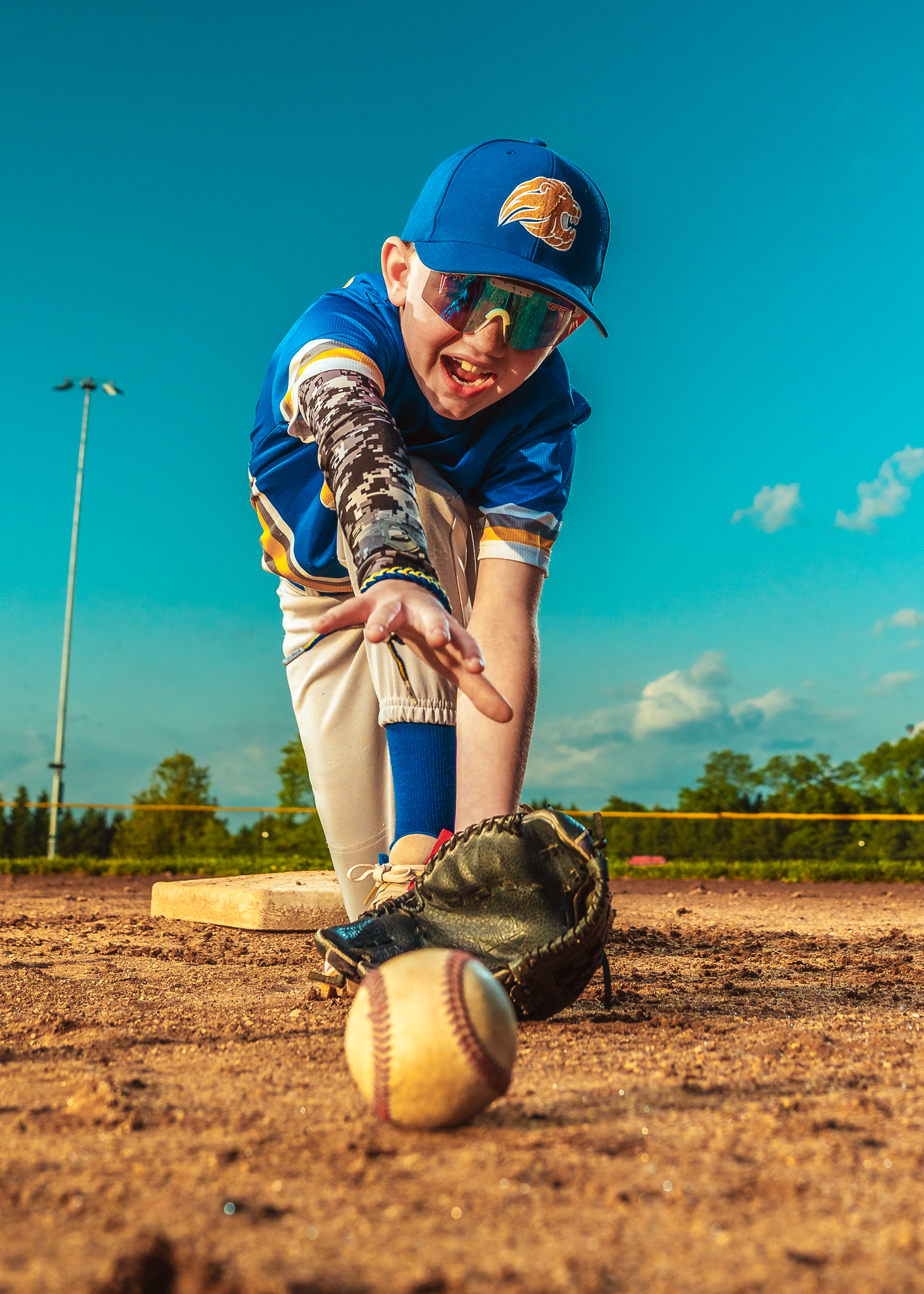
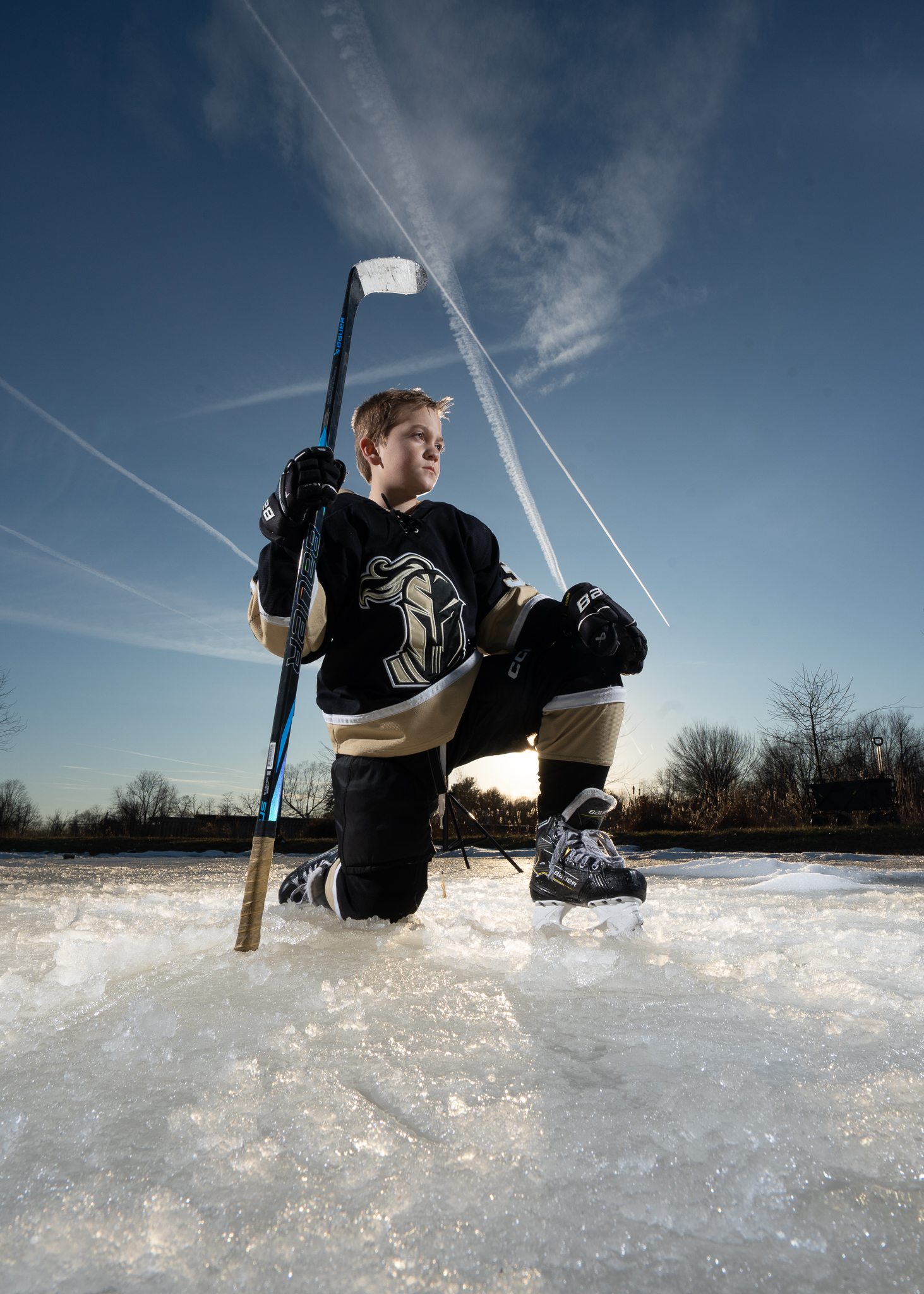
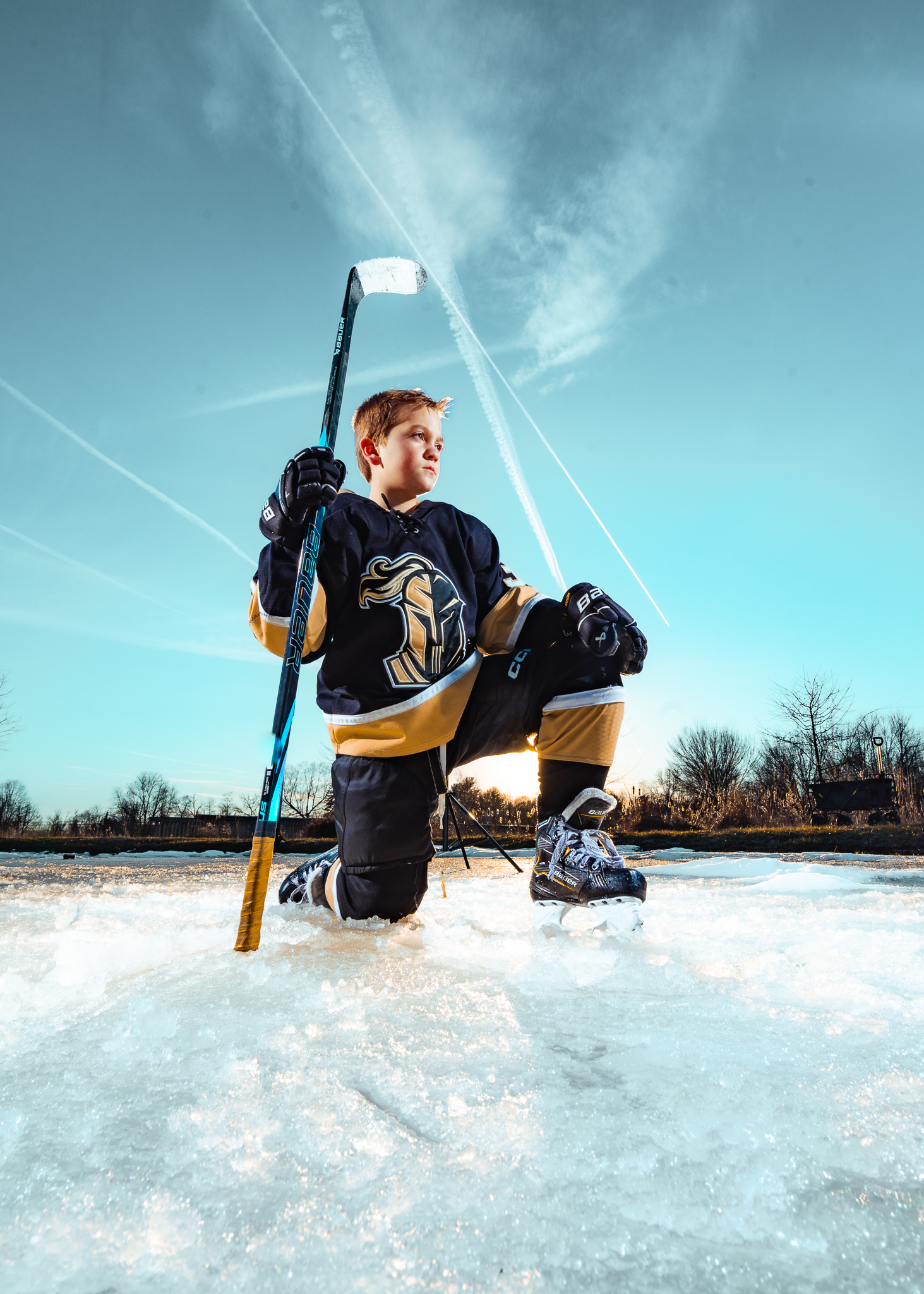
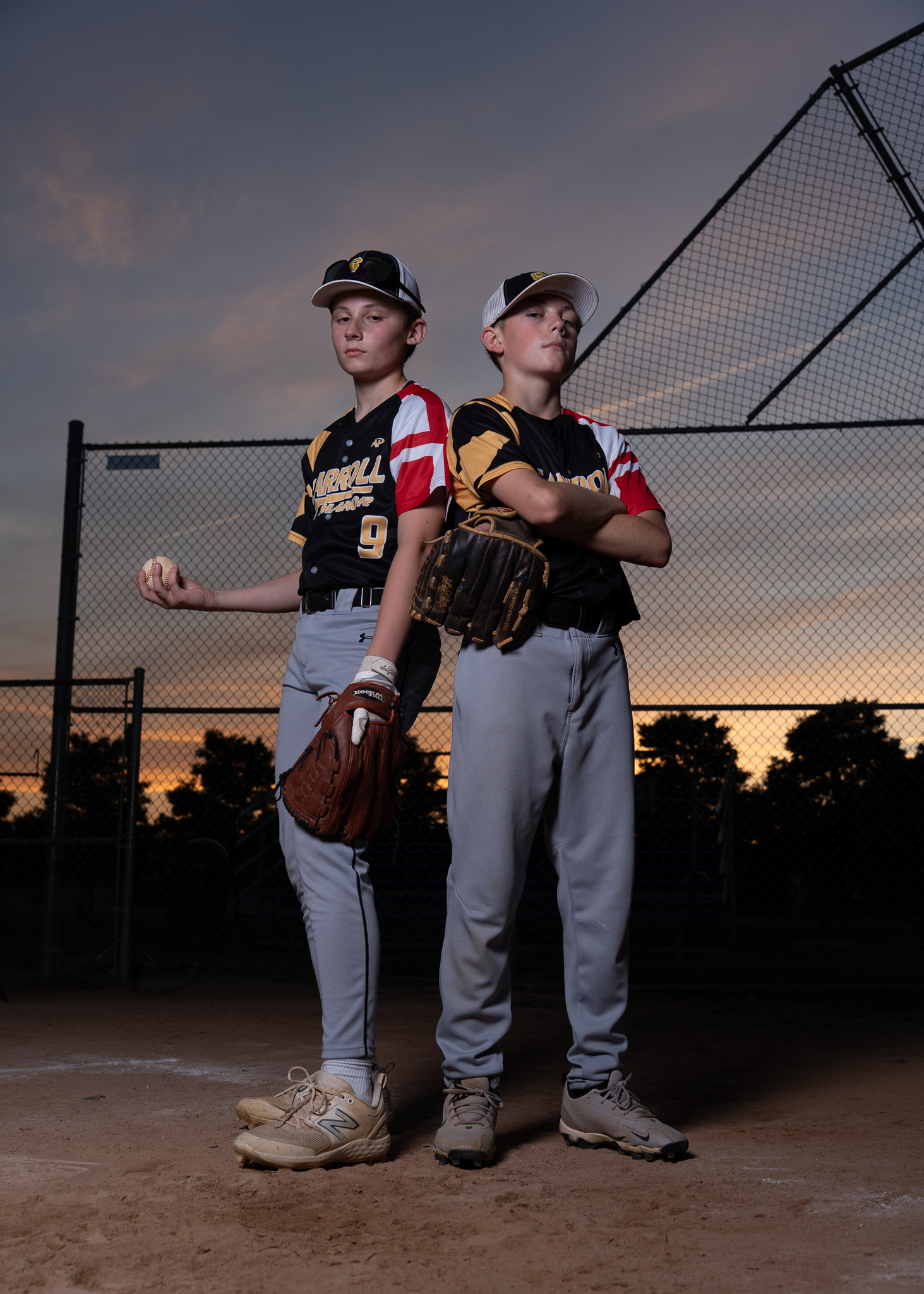
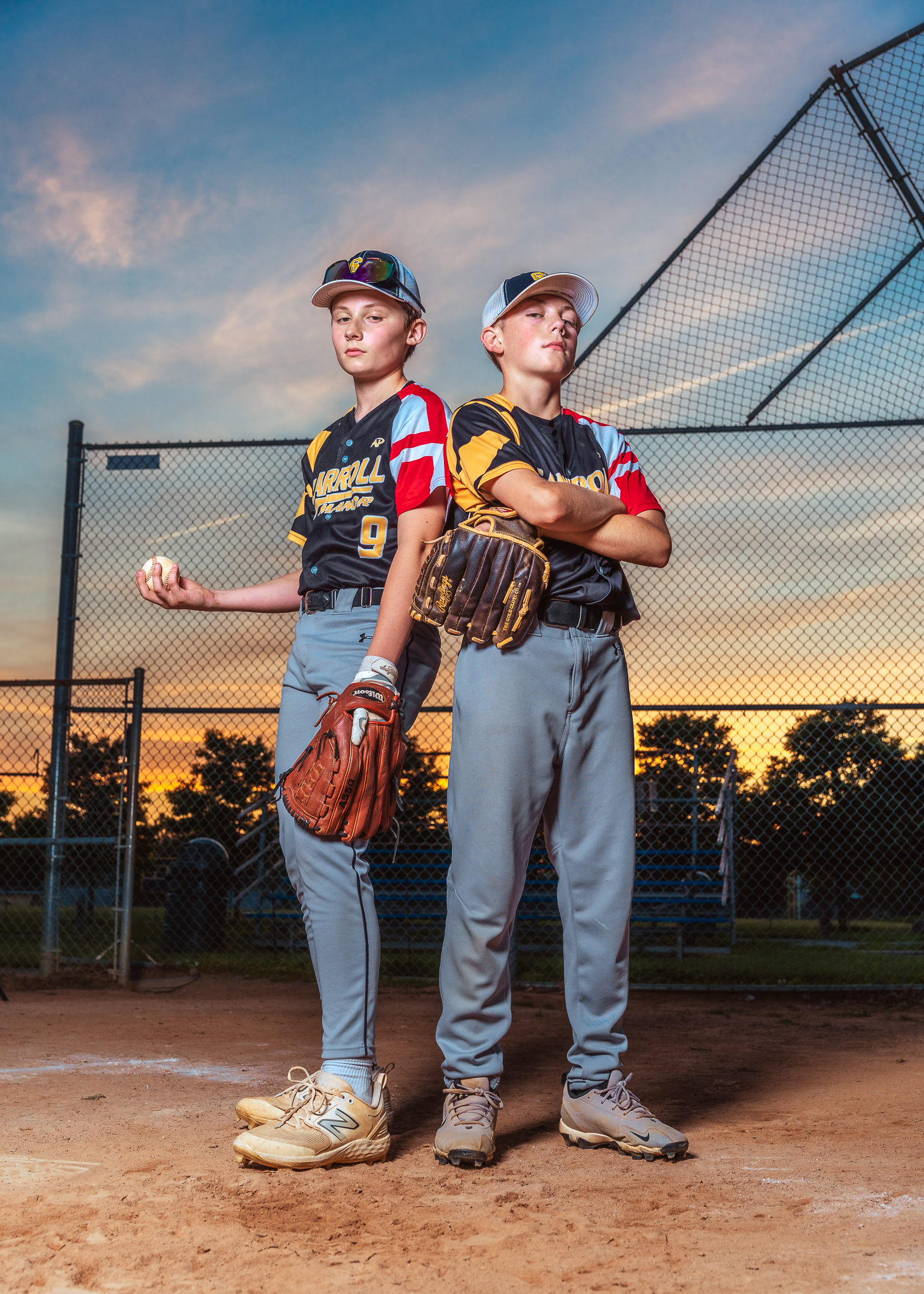
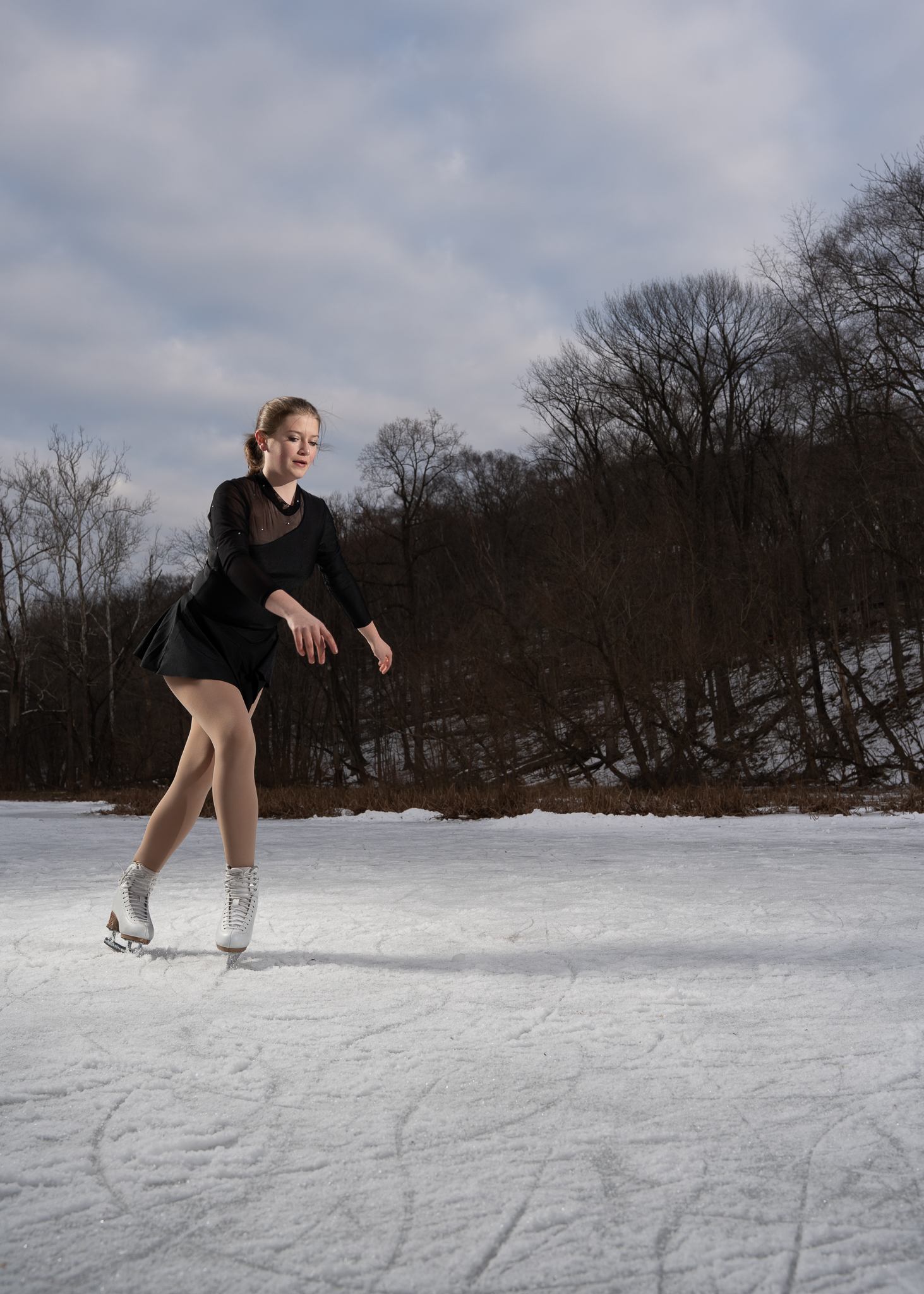
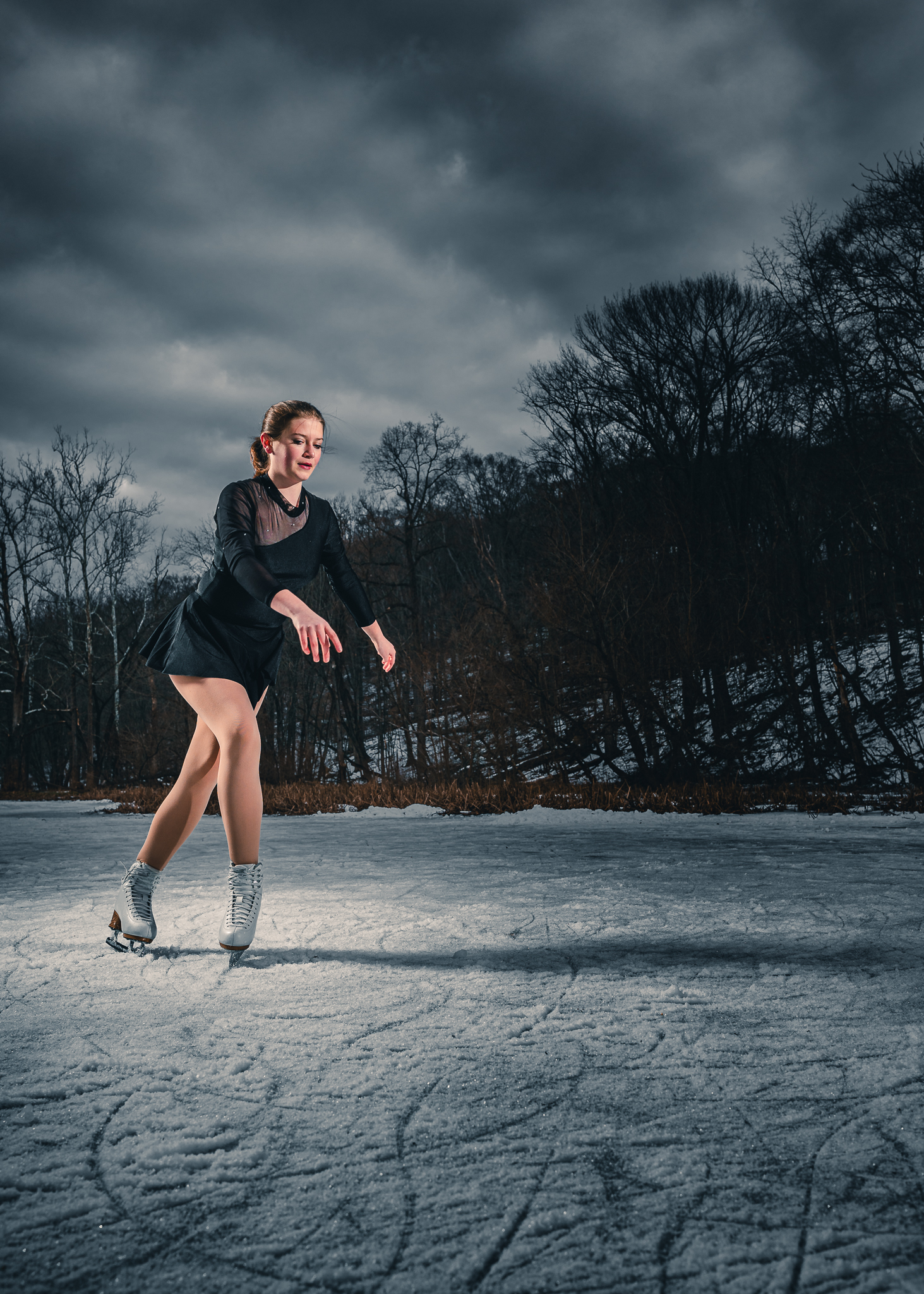
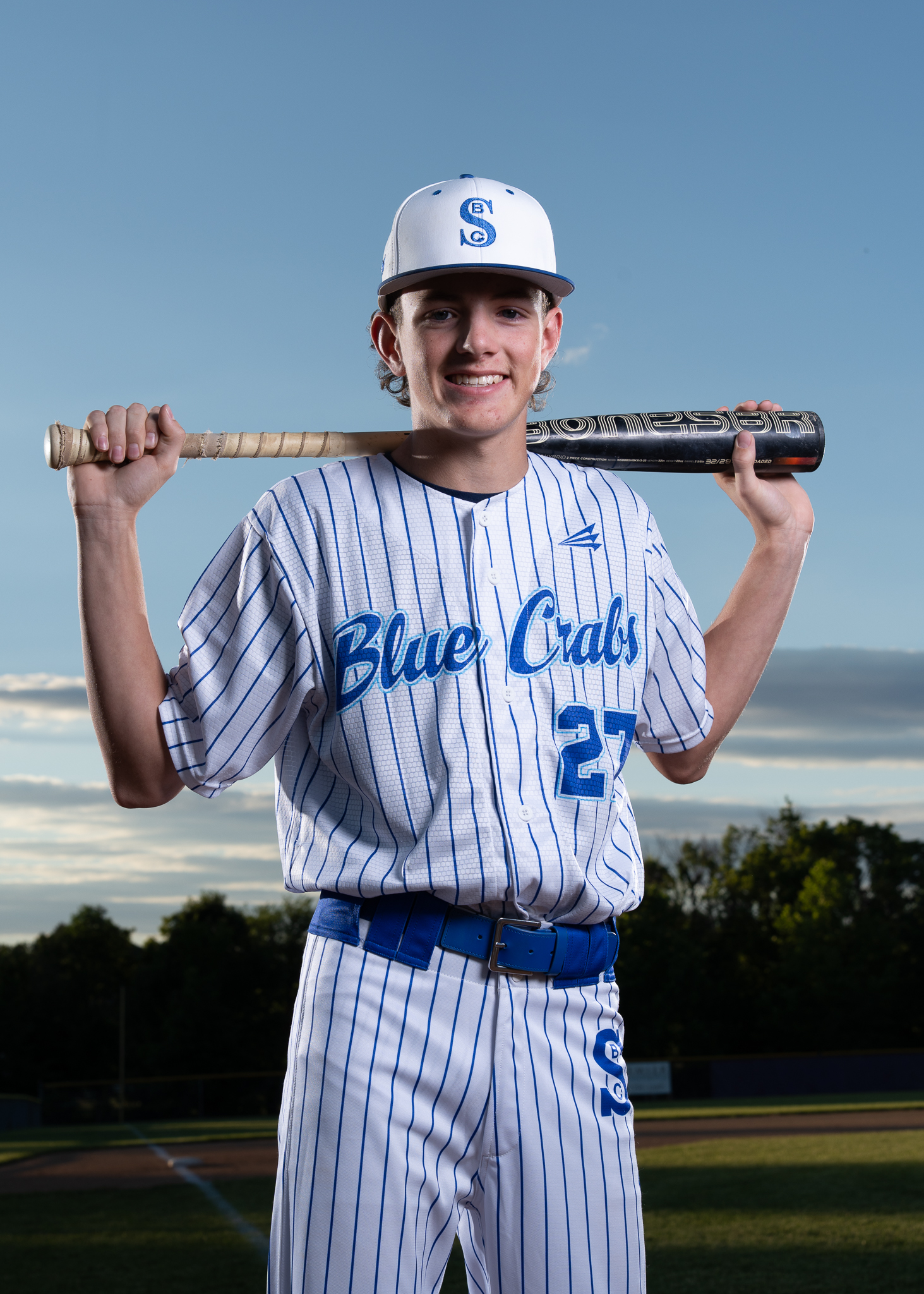
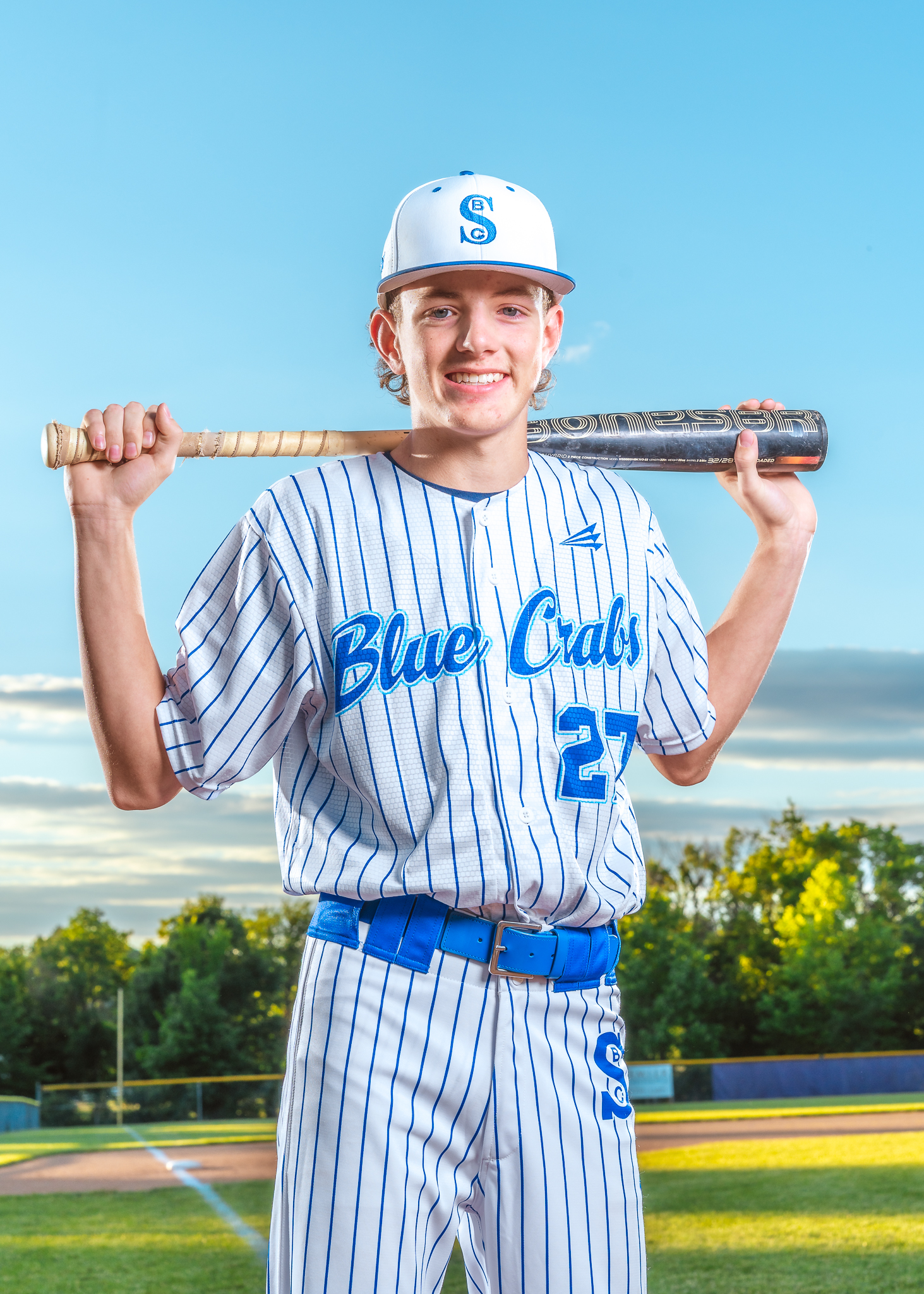
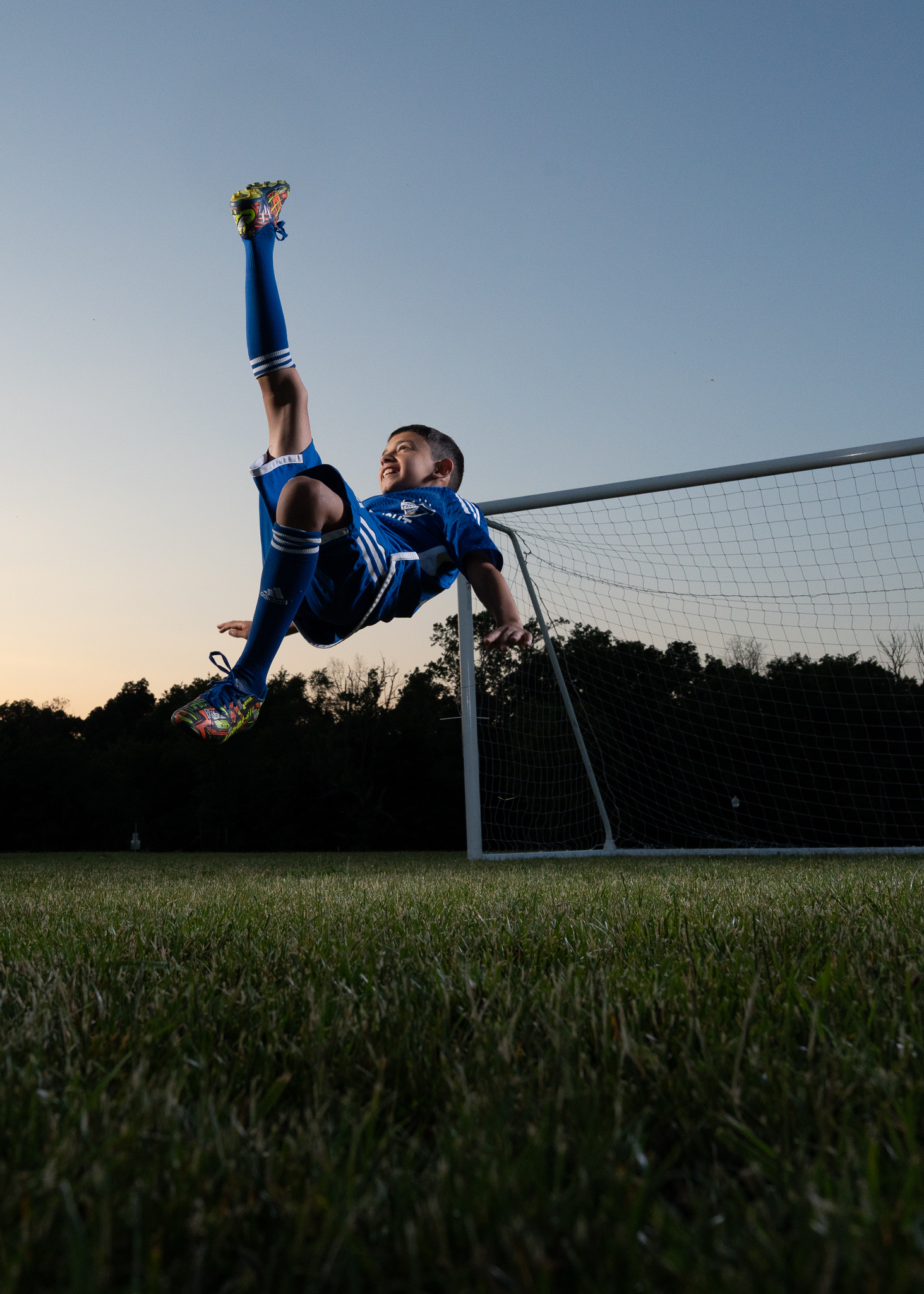
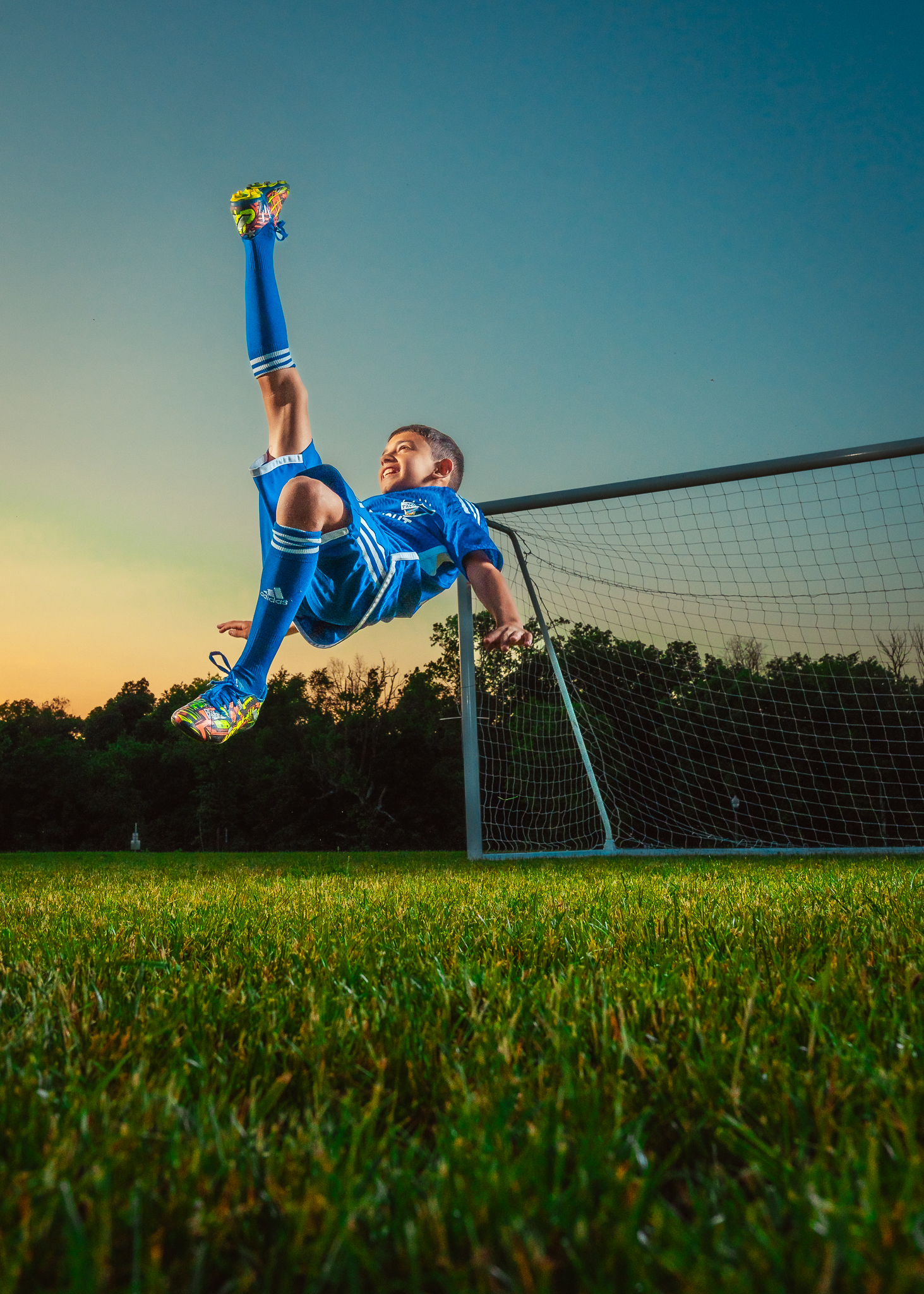
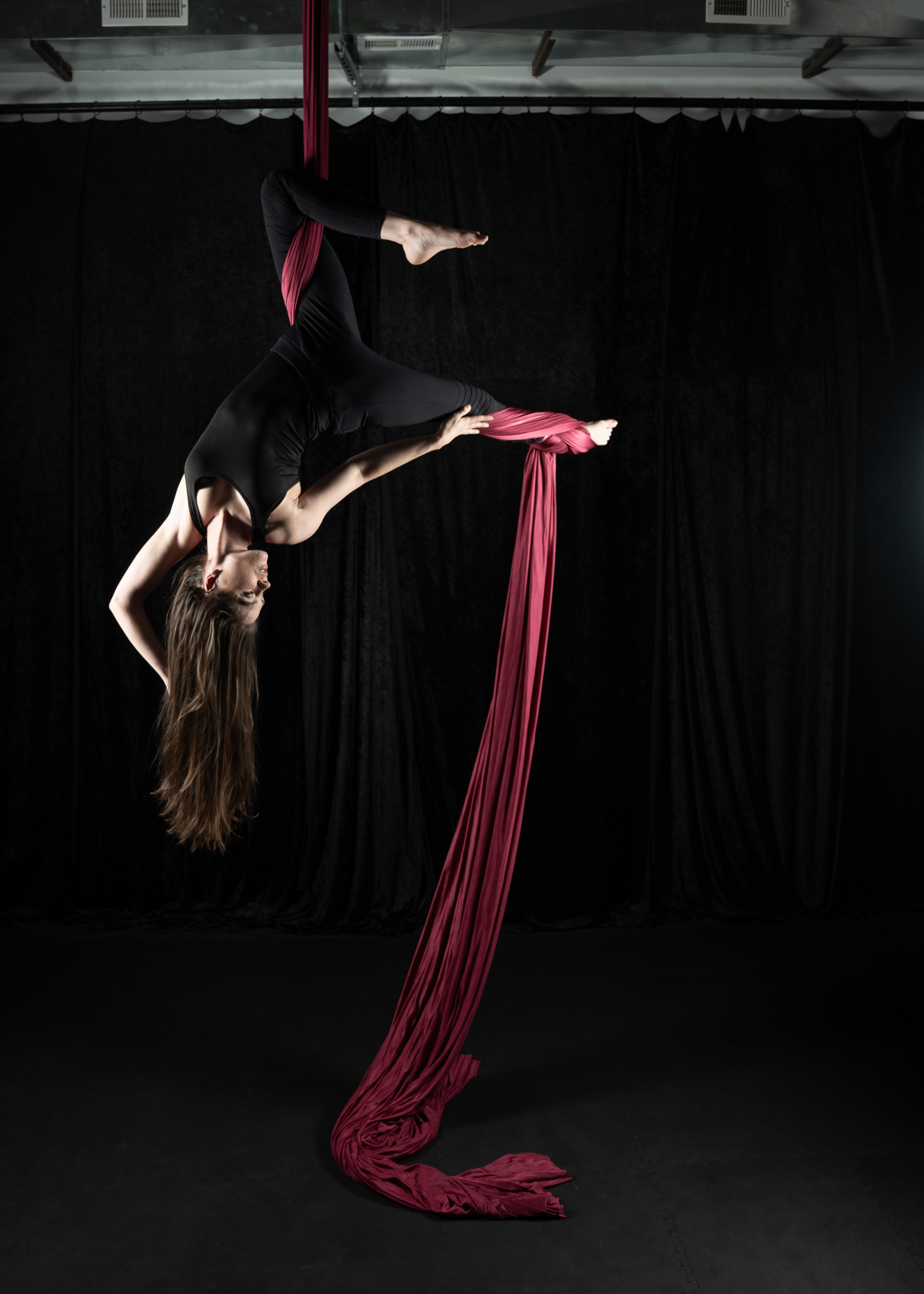
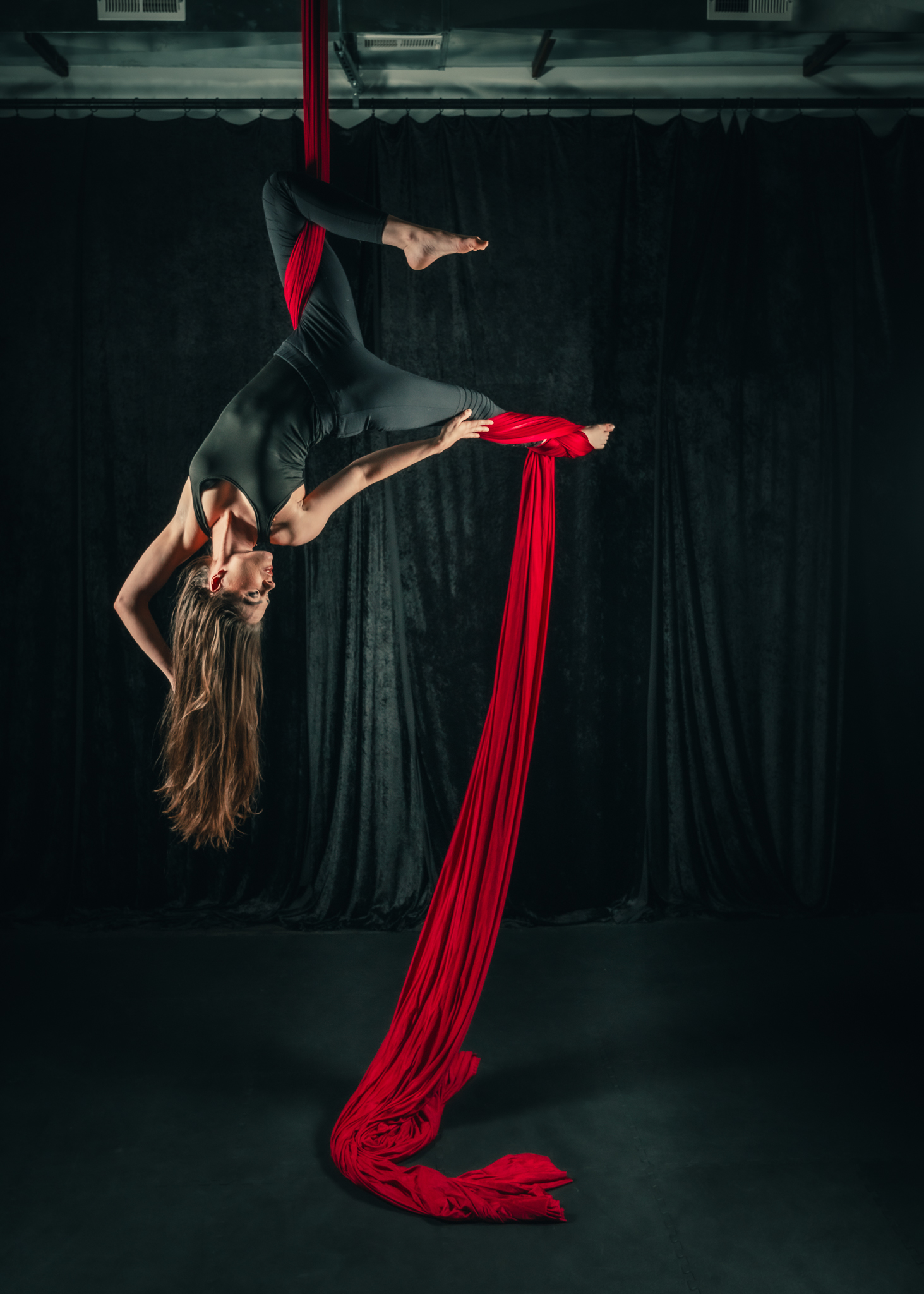
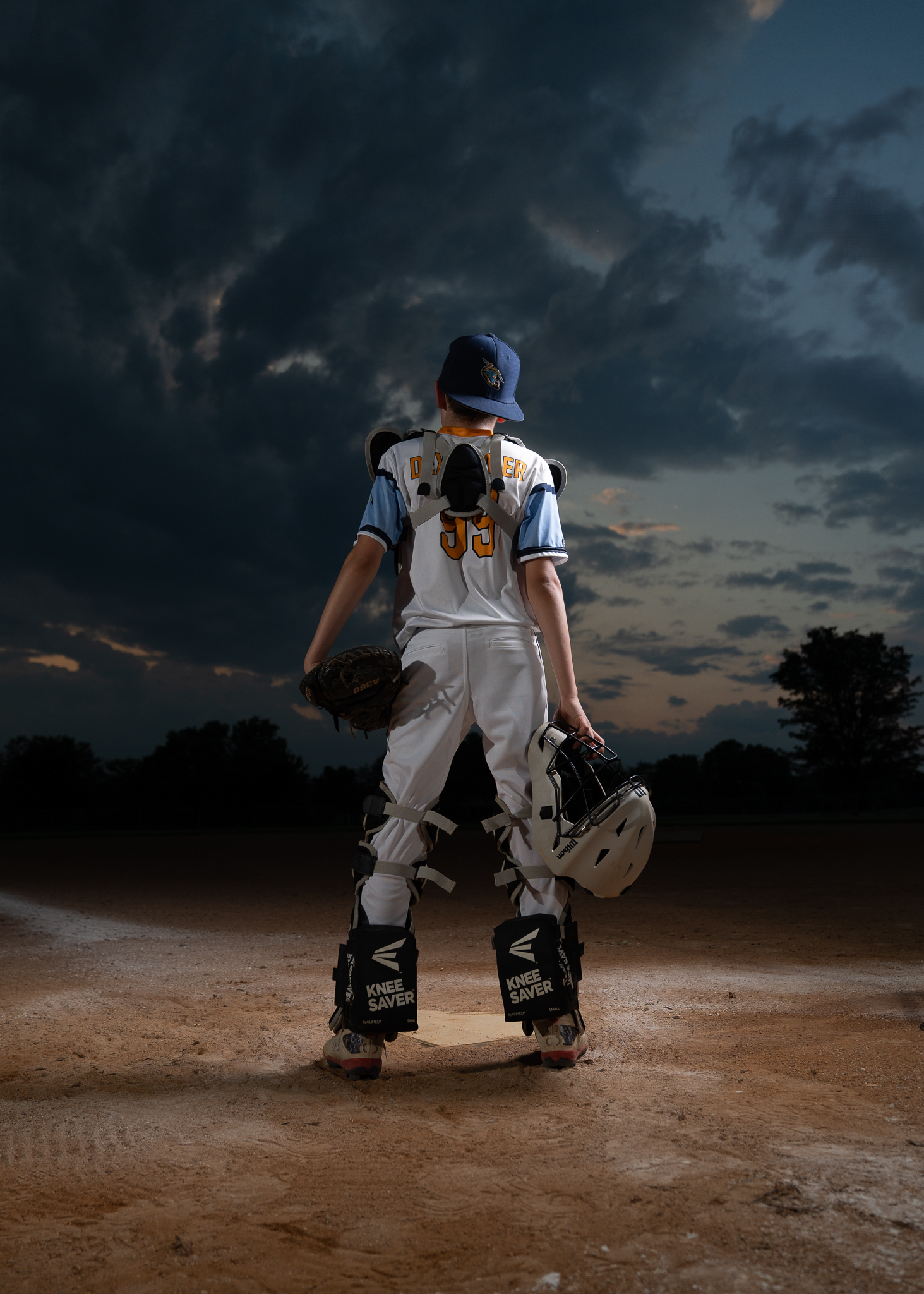
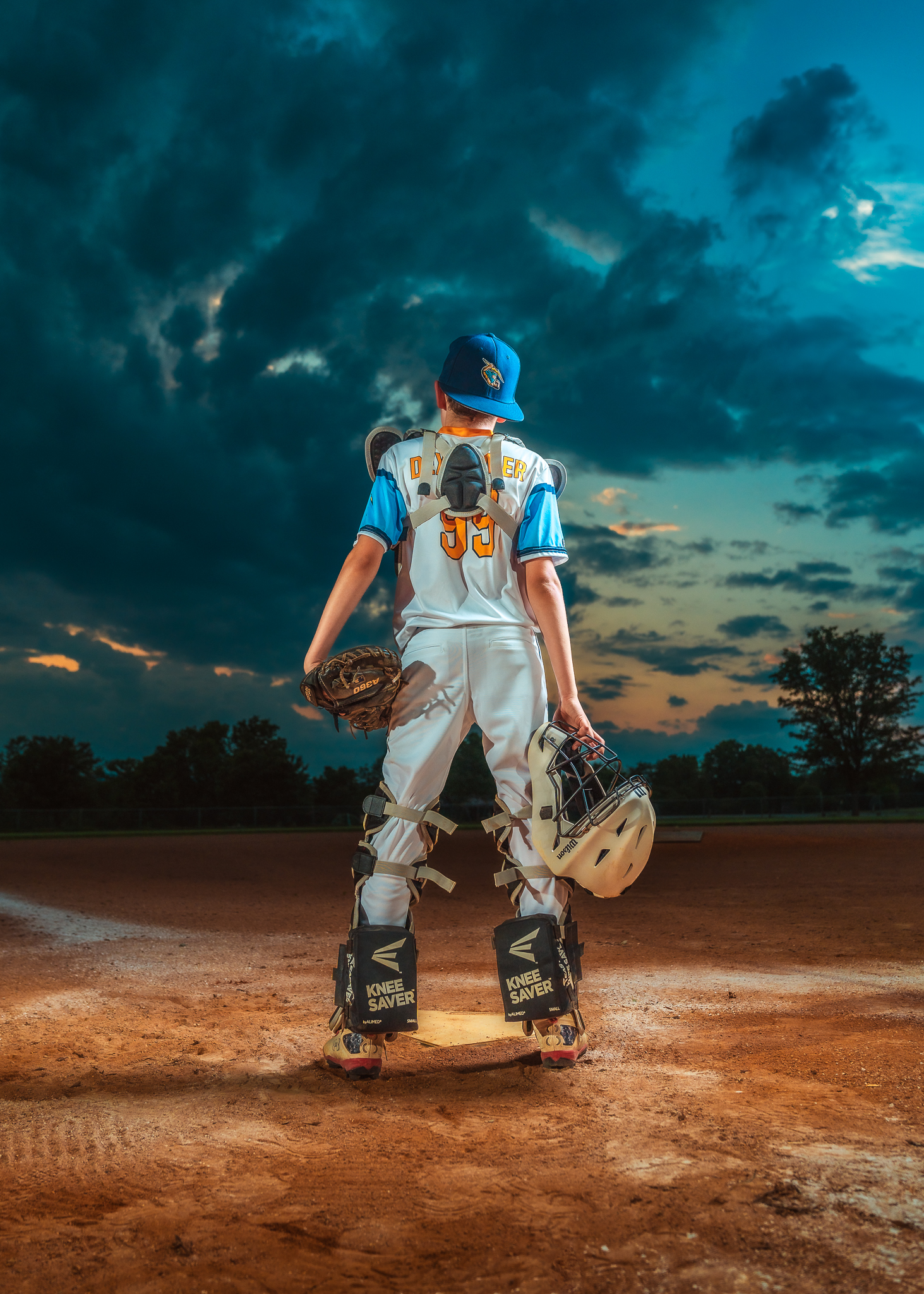
Capture the energy, grit, and power of every athlete with my Sportrait Editing Preset Collection — designed from some of my most popular work, specifically to bring out bold colors, sharp details, and dynamic contrast in every shot to create work that is instantly recognizable.
Whether you’re shooting on the field, in the gym, or in the studio, these presets will help you deliver bold, striking portraits that stand out.
Vibrant Skin Tones & Colors — Perfect for uniforms, gear, and action shots.
Crisp, High-Impact Details — Enhance muscle definition, sweat, and textures for that dramatic edge.
One-Click Adjustments, Endless Customization — Save time while achieving studio-quality results.
Perfect for Fitness Shoots, Team Portraits, Action Shots & More
Works in Adobe Lightroom and Photoshop Camera Raw
Introductory sale price of just $99
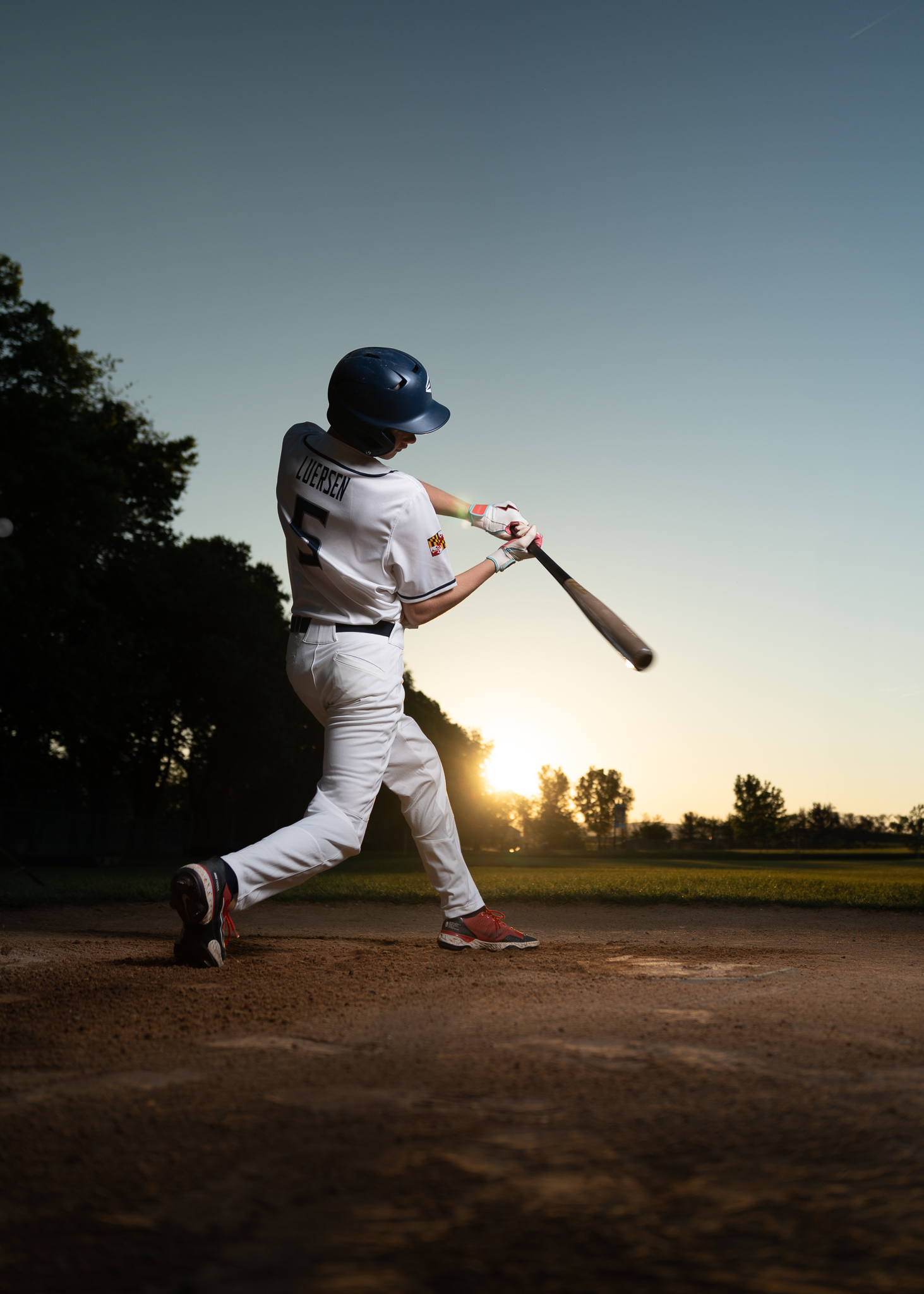
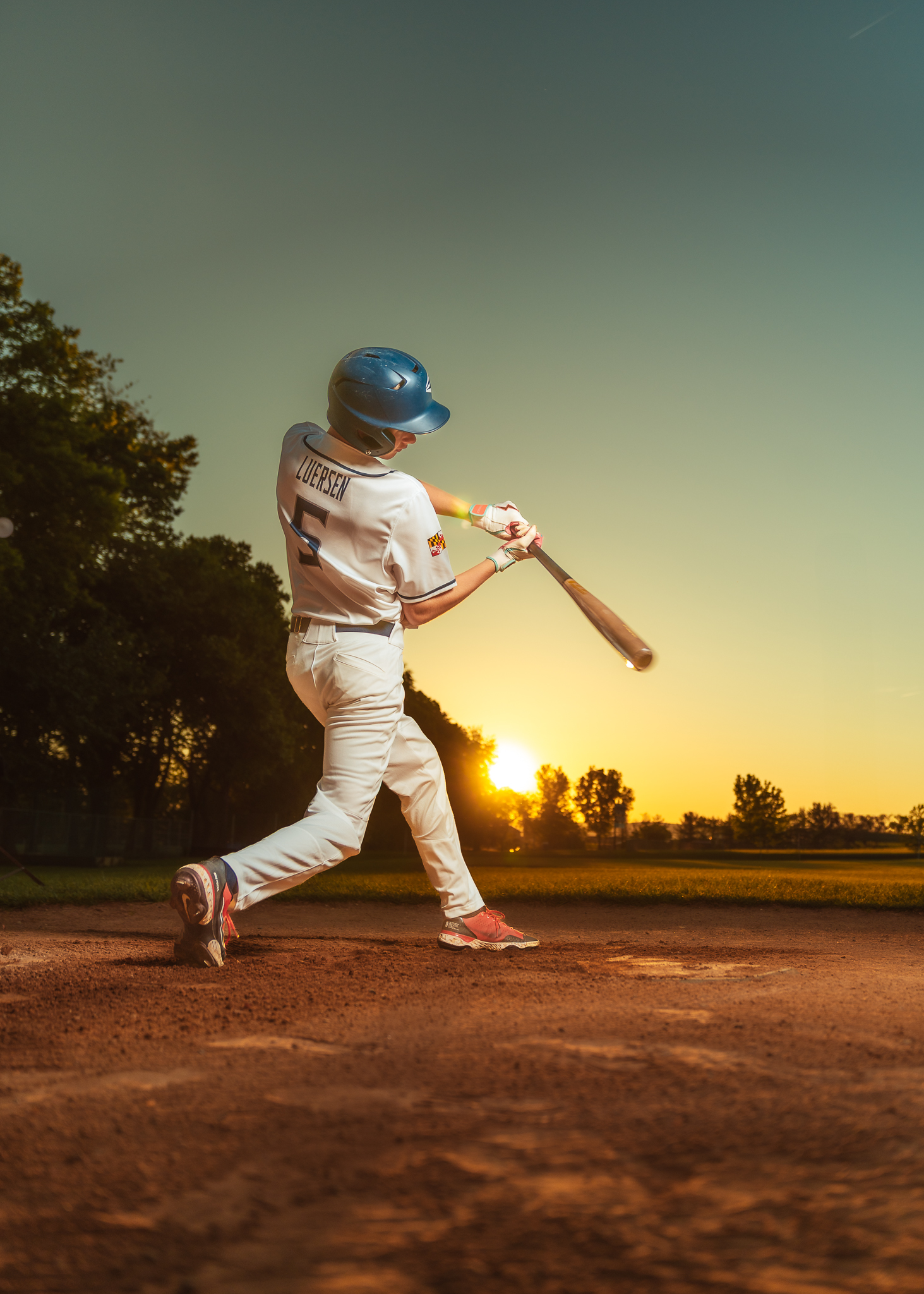
BeforeAfter
URBAN
BeforeAfter
BLEACHERS
BeforeAfter
CLASSIC
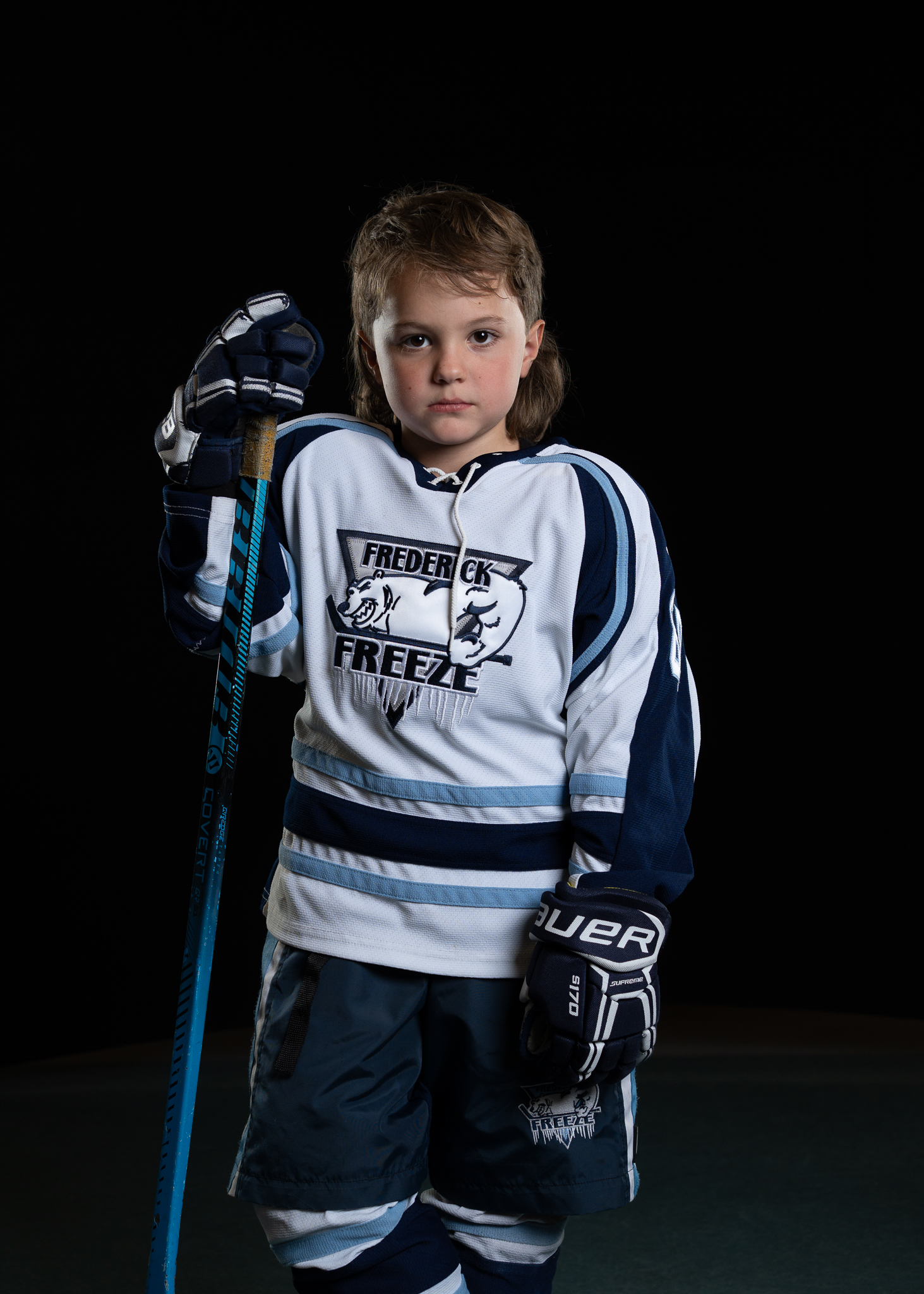
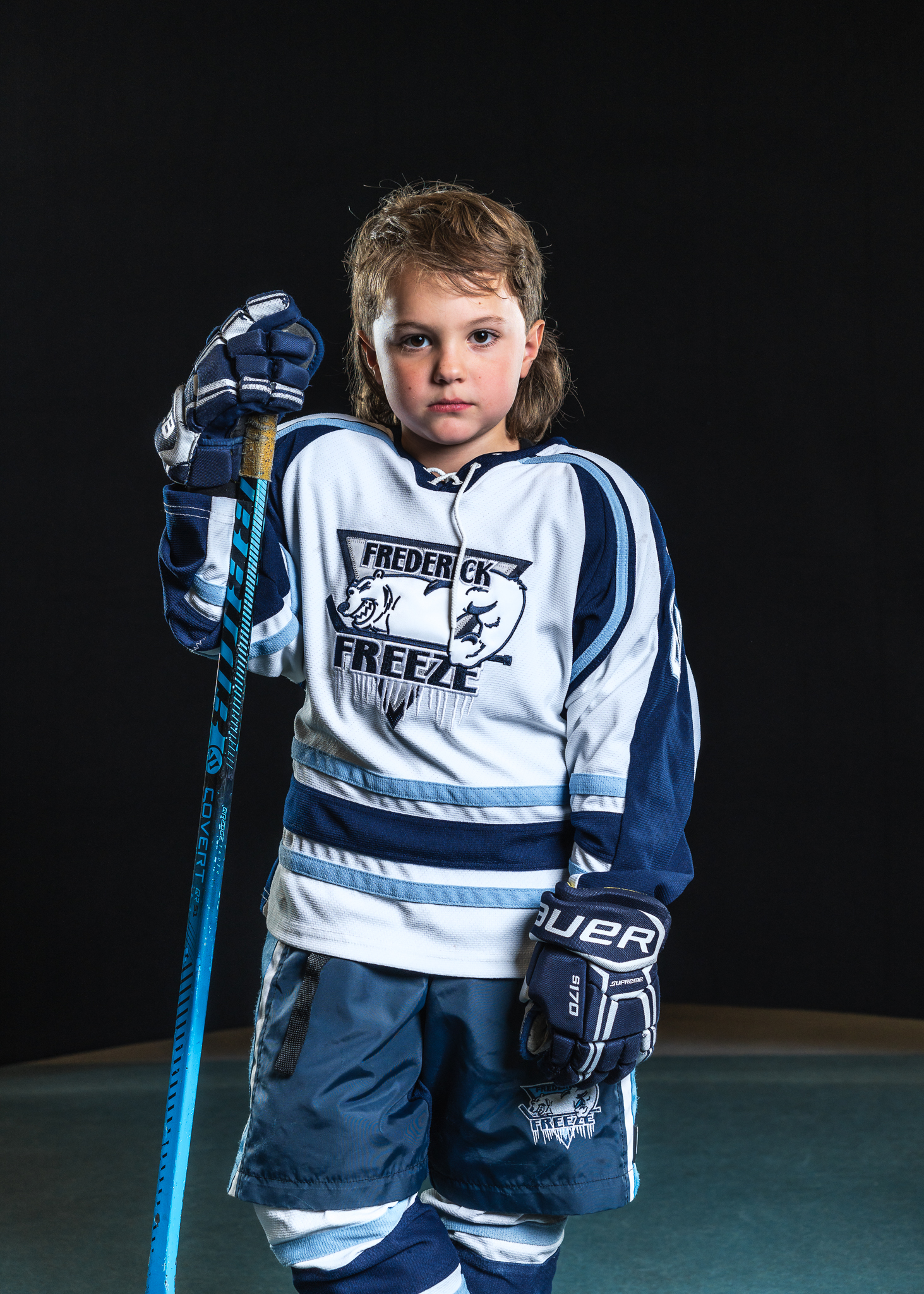
BeforeAfter
FREEZE
BeforeAfter
DIAMOND IN THE ROUGH
BeforeAfter
POWDER
BeforeAfter
COTTON CANDY
BeforeAfter
DARK FIGURE
BeforeAfter
PREMIERE
BeforeAfter
GOALS
BeforeAfter
SCULPTURE
BeforeAfter
STORMSET
INCLUDES 12 ADOBE LIGHTROOM/PHOTOSHOP CAMERA RAW PRESETS FOR ONLY $99
Installation Instructions:
Extract the ZIP file with the presets that you downloaded.
Open Lightroom CC and click on the edit icon at the top right. The icon looks like three sliders—three horizontal bars with circles on them.
At the bottom on the screen you will see a Presets button. Click this.
The presets panel is now revealed.
Click on the icon of three dots at the top •••
In the dropdown menu select Import Presets.
Navigate to the folder ‘Lightroom and Lightroom Classic since Apr 2018 (.XMP)’, select the presets ZIP file(s) and click Import.
All of the presets will now be listed in the Presets panel.
Adjust exposure and white balance based on your image to achieve the desired look. The presets have no way of knowing what exposure/WB you shot at =)